How to convert a Word CV to PDF for a job application
Convert Word CV to PDF free with Fixpio in your browser — no upload, no sign-up. Keep formatting, choose A4 or US Letter, and send a PDF employers can open.
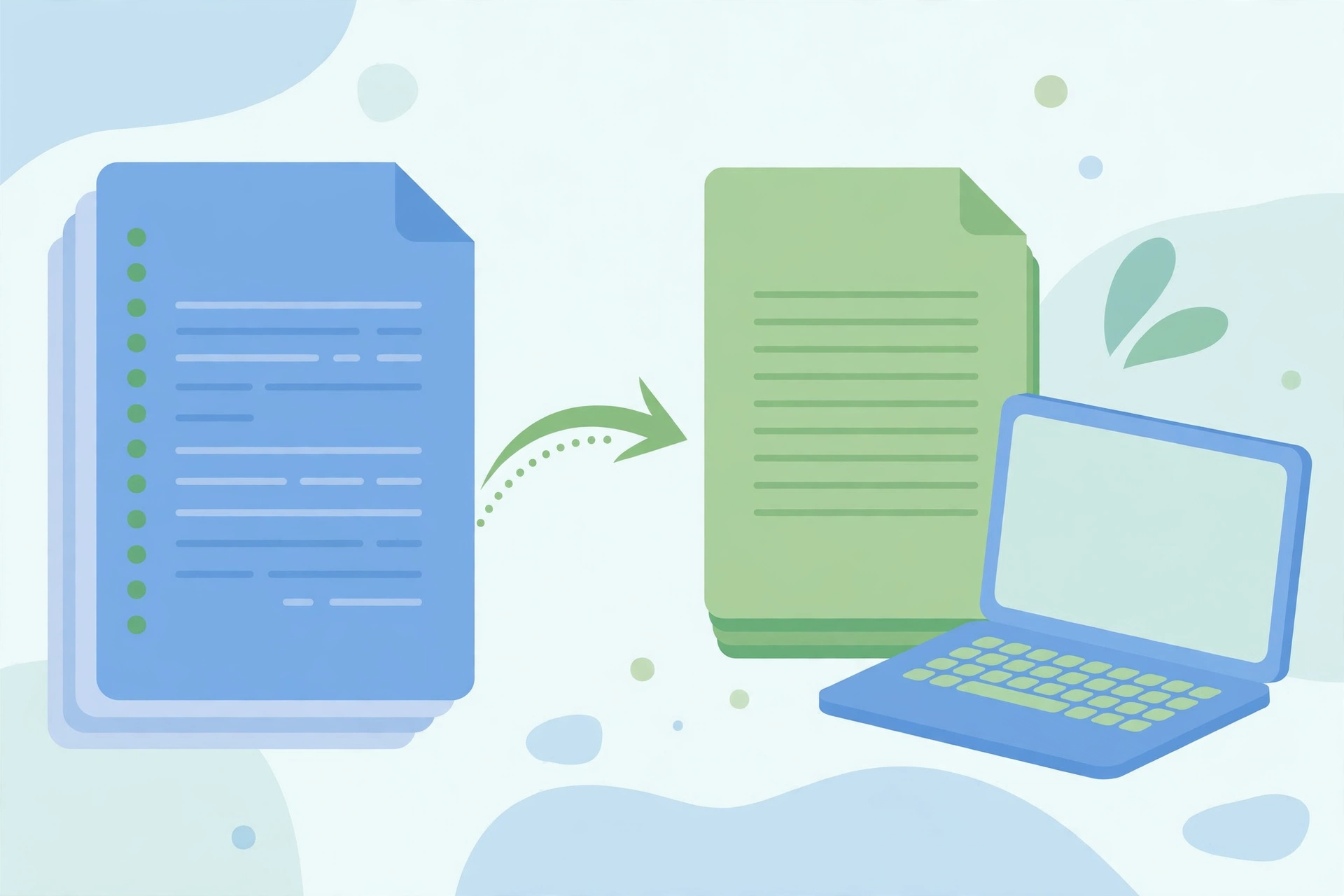
To convert Word CV to PDF for a job application, open Fixpio Word to PDF in your browser, add your DOCX file, choose A4 or US Letter, and download the PDF. Fixpio converts the file on your device, so nothing is uploaded, there is no sign-up, and your headings and layout stay as you set them.
Free · No sign-up · Files never uploaded
How to convert Word CV to PDF
To convert Word CV to PDF with Fixpio, you do not need Microsoft Word installed, and you do not need an account. The conversion runs in your browser, on your own device, so the CV never leaves your machine.
- Check the CV is a .docx file. If it is an old .doc, open it in Word, Google Docs or LibreOffice and save a copy as .docx first.
- Open Fixpio Word to PDF in your browser. No Word or other program is needed, nothing to install, no sign-up.
- Add the DOCX file. Drag it in or browse your device. It works on a computer, tablet or phone.
- Choose A4 or US Letter. Pick the page size the employer or portal expects.
- Convert, download, and check the PDF. Press Convert to PDF, download the file, and check the headings, spacing and page breaks before you send it.
What you get
When you convert Word CV to PDF with Fixpio, this is what comes back:
| Input | Output |
|---|---|
| Word CV in DOCX | One PDF, in the same layout |
| Text, headings, lists and basic layout | Carried across — for most everyday documents the PDF looks much like the original |
| Your original Word file | Unchanged, so you can edit it and convert again |
| Your CV file | Never uploaded, stored or seen by Fixpio |
Will converting to PDF keep my CV formatting?
When you convert Word CV to PDF, your text, headings, lists and basic layout carry across, and for most everyday documents the PDF looks much like the original — which is what matters most for a CV, where headings and spacing are doing real work.
Very complex pages can be simplified by in-browser conversion — intricate merged tables, floating text boxes or unusual fonts may not survive exactly as they look in Word. So check the PDF before you send anything important: headings, spacing and page breaks stay where you put them on Windows, Mac, Android and iPhone.
Should I send my CV as a PDF or a Word file?
If you convert Word CV to PDF, the file you send is a text-based PDF — made from a Word file, not a scan or a photo of a page — and that is the kind an applicant tracking system can read. A scanned or image PDF cannot be parsed, so never send a photo of your CV.
Resume guides disagree on this point, and the honest answer is that it is contested. Some say PDF is the safe default because it preserves your layout on any device; others say Word is safer for portal parsing because its text is easier for some systems to read. The rule that settles it: if the job advert or portal asks for a specific format, follow that. Otherwise, PDF is the safe default for layout.
Limits to know before you start
To convert Word CV to PDF, your file must be a DOCX file (Word 2007 and newer). Older .doc files must be saved as .docx first.
- Very complex pages can be simplified — intricate merged tables, floating text boxes or unusual fonts may not survive exactly as they look in Word.
- Conversion does not edit text. It converts a finished document; it does not change the wording or fix problems in the original Word file.
- The result is a PDF, not a Word file. If the CV still needs editing after conversion, edit the original Word file and convert again.
- Convert one finished document at a time — and check it is the right version of your CV before you send it.
Troubleshooting
When you convert Word CV to PDF, the cause of a problem is usually one of these:
- The file is a .doc and will not add. Save a copy as .docx first, then add the .docx file.
- The PDF looks different from the Word file. Check unusual fonts, intricate merged tables and floating text boxes — simplify those in Word and convert again.
- The portal rejects the PDF. Check what format the advert or portal asks for — some ask for .docx instead of PDF.
- The PDF is too large to send. The usual cause is high-resolution images or scans in the Word file — remove or compress those in Word and convert again.
Frequently asked questions
Can I convert Word CV to PDF for free?
Yes. Fixpio Word to PDF is free, with no sign-up and no paid tier, and it works in your browser.
Do I need Microsoft Word installed?
No. To convert Word CV to PDF with Fixpio, you do not need Word or any other program — just a browser and a DOCX file.
Will my CV formatting survive the conversion?
Your text, headings, lists and basic layout carry across. Intricate merged tables, floating text boxes or unusual fonts can be simplified, so check the PDF before sending.
Is my CV uploaded to a server?
No. It runs entirely in your browser, on your own device — your file is not sent anywhere, not stored by Fixpio, and nothing of it remains when you close the tab.
My file is .doc, not .docx — what do I do?
Open it in Word, Google Docs or LibreOffice, save a copy as .docx, then convert that file.
Can I convert Word CV to PDF on my phone?
Yes. Open Fixpio Word to PDF in your phone’s browser, add the DOCX file and download the PDF — no app to install.
Alternative method
If Word is already installed, the simplest route needs no converter: in Word, use File > Save As and choose PDF. If the CV still needs editing, finish it in Word for the web first — free with a Microsoft account, with your files in OneDrive — then export it as a PDF.
Another way to convert Word CV to PDF is Adobe’s free online Word to PDF tool, which accepts DOC, DOCX, RTF and TXT files and states a 100 MB maximum for a file on its FAQ page. Fixpio is the choice when you want the file to stay on your own device — it converts in the browser, with no upload and no sign-up.
Sources and date stamp — competitor facts
Fixpio facts are from Fixpio’s own Word to PDF tool page, checked live on 2026-11-06. The two external sources used here, both checked live on 2026-11-06, are Adobe Word to PDF and Microsoft Word for the web. Re-check competitor facts on the day of publishing.
Bottom line
To convert Word CV to PDF for a job application, add your DOCX file to Fixpio Word to PDF, choose A4 or US Letter, and download the PDF — then check it before you send it. Your CV stays on your own device from start to finish. If the advert or portal asks for .docx instead, send that — otherwise, PDF is the safe default.
ABOUT THE AUTHOR
Fixpio Team
Fixpio Team — the team behind Fixpio’s free online tools. Every guide is written by the team that builds the tools, and every guide ends at the tool that does the job.